
Tasks app with reminders and categories
Add due dates, set repeats, and keep tasks organised. No ads. No tracking. No data sharing. Your tasks stay on your device.
Features
Privacy and control
- Free and open source.
- No ads, tracking, or data sharing.
- Works without permissions (only needed for notifications).
- Manual backup and restore included.
- Optional automatic backup file, encrypted with your recovery phrase and kept on your phone, ready for a sync app to upload.
- Optionally encrypt your data.
- Android automatically saves app data to your Google account so it can be restored when you set up a new phone. Most apps let Google see this data as it isn’t encrypted. TaskFree gives you the option to encrypt your backup with a recovery phrase, so the data is still saved to your Google account for convenience, but only you can read it. This means your tasks stay private even if you change or restore your phone.
Task management
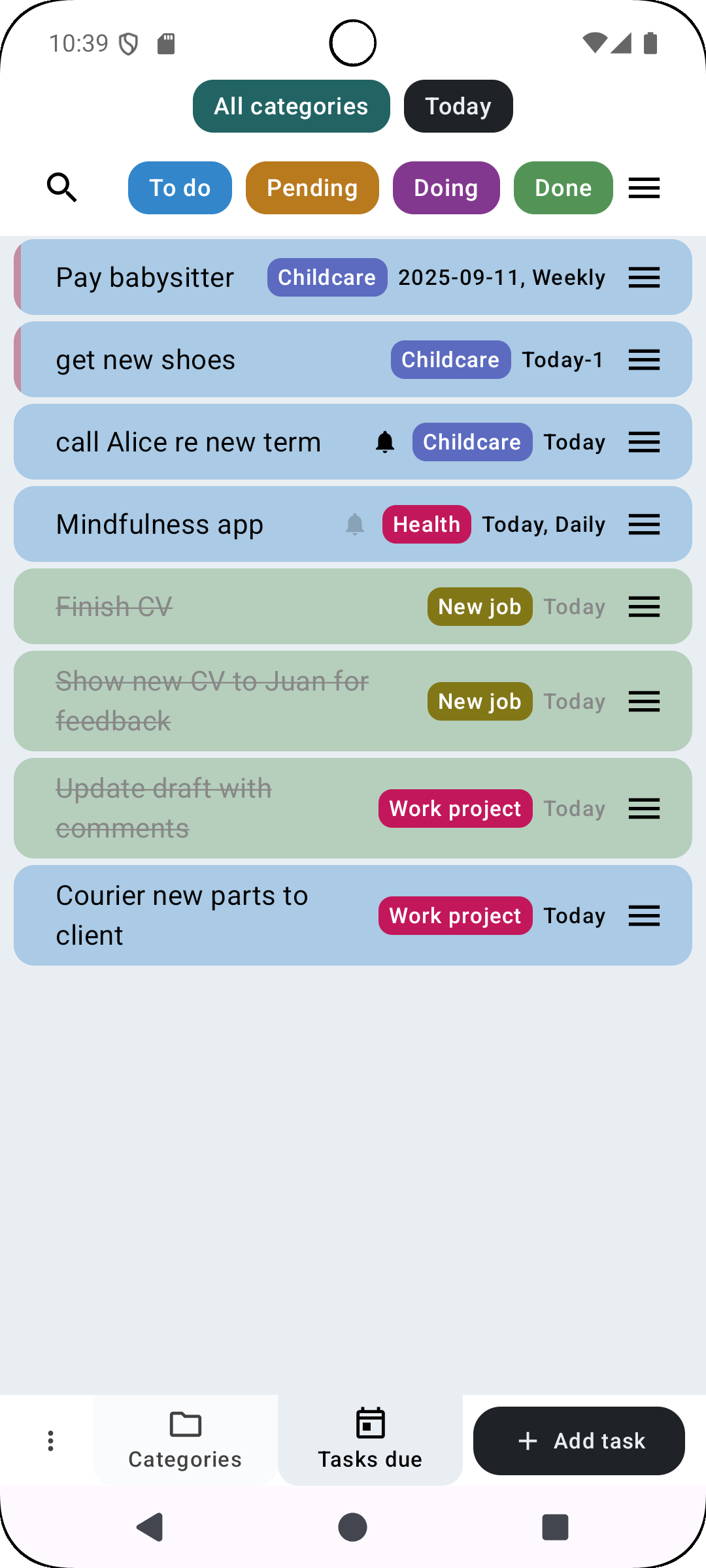
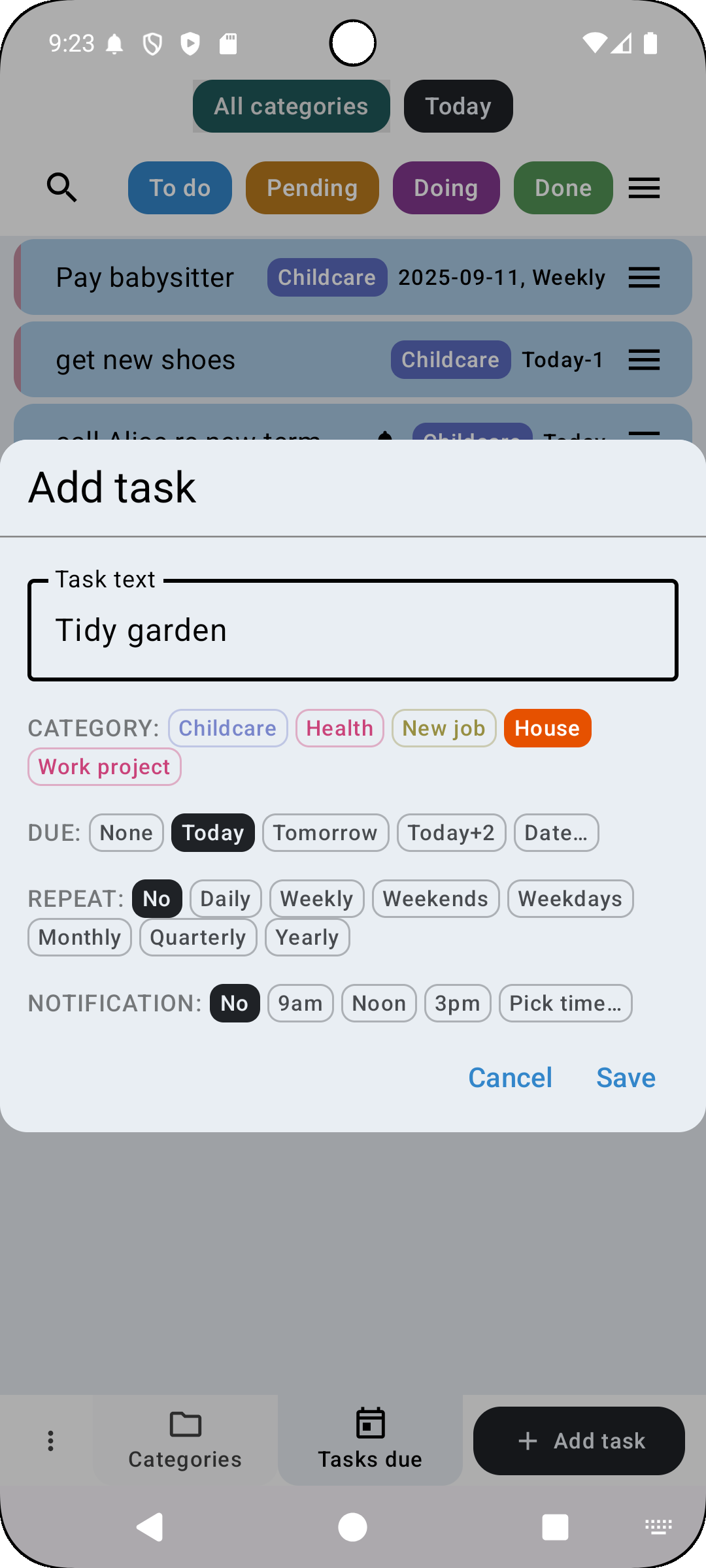
- Add due dates and repeating tasks with reminders.
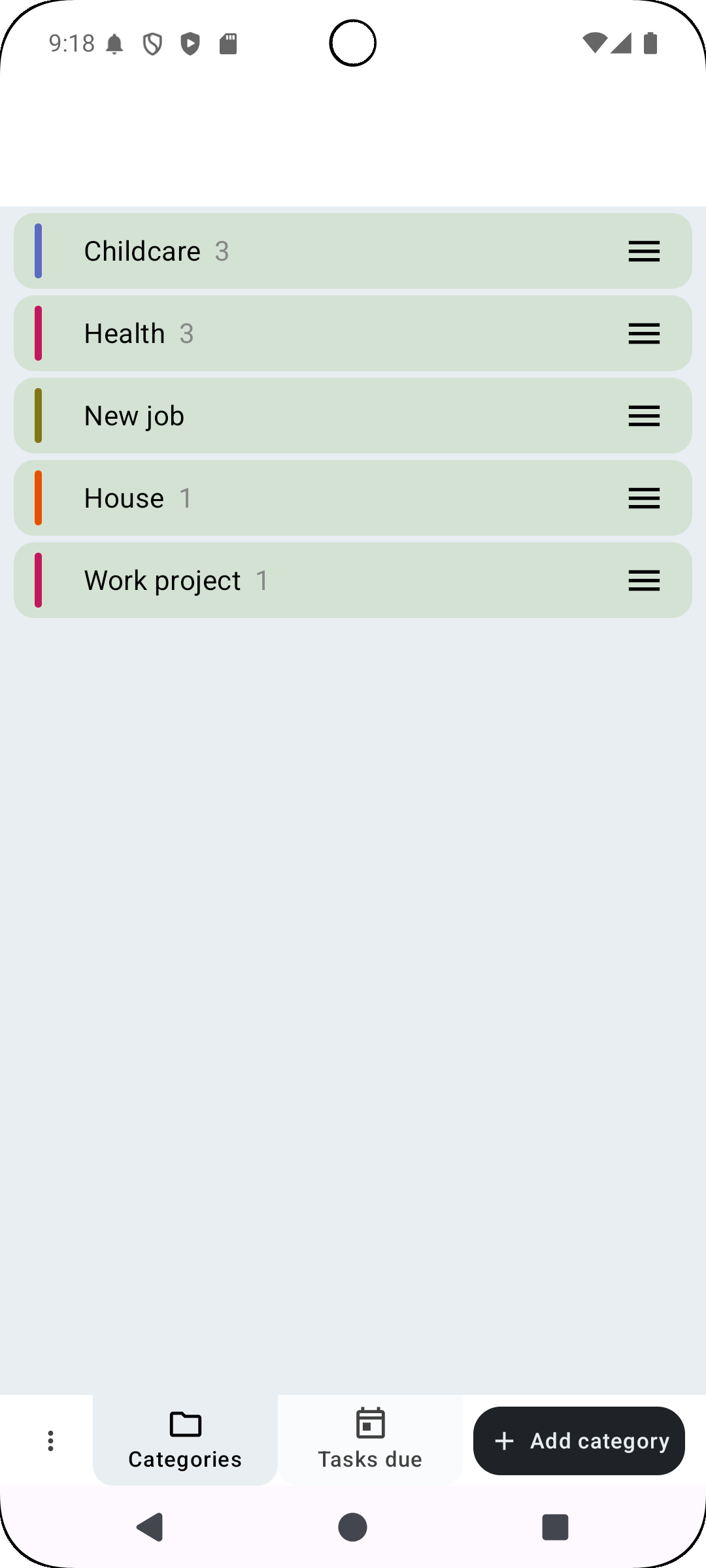
- Organise tasks into categories.
- Filter and search by category, due date, status, or text.
- Archive completed tasks to keep lists tidy.
Clean design
- Simple, distraction-free interface.
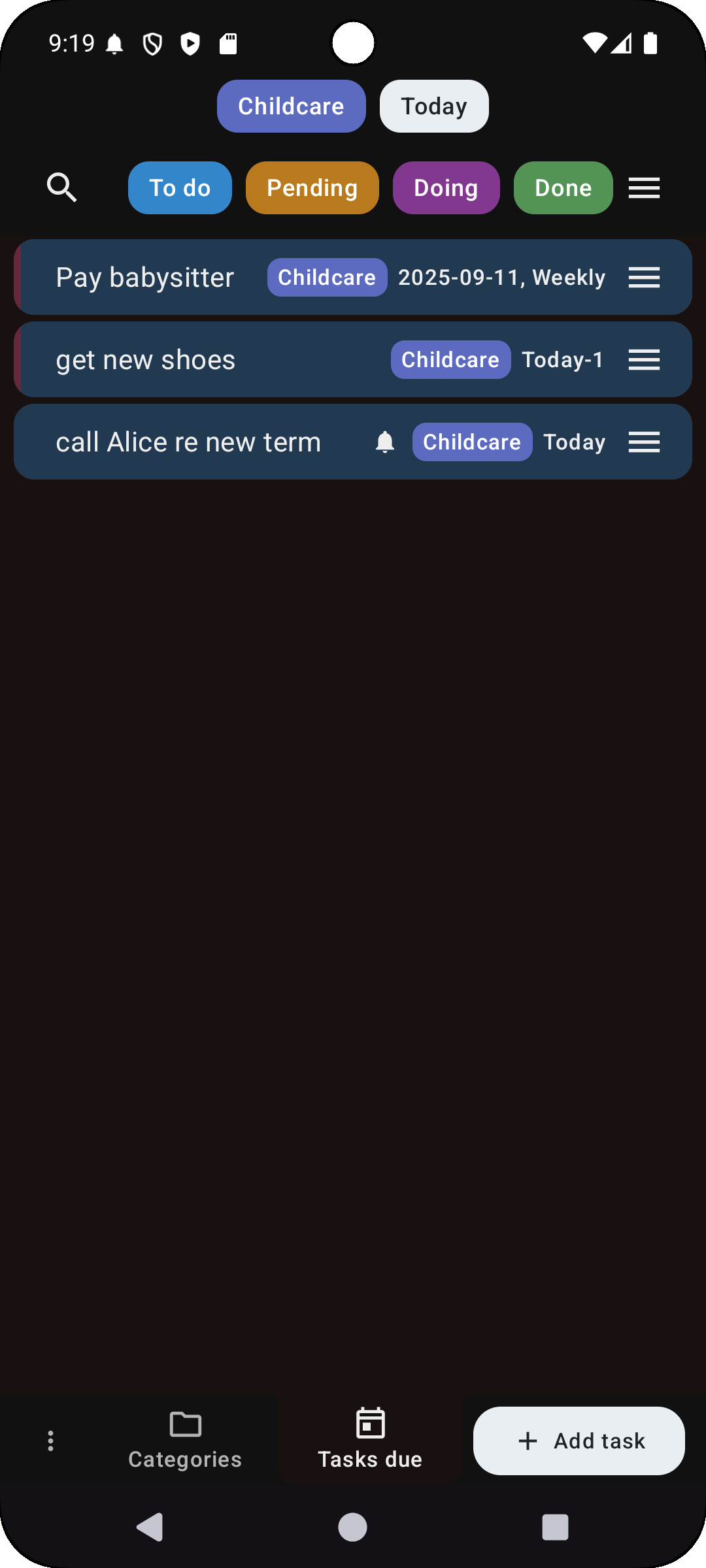
- Dark mode included.
- Adjustable text size.
- Works on phones and tablets.
Screenshots
| Task list | Categories | Add task | Dark mode |
|---|---|---|---|
 |
 |
 |
 |
Get the app
- GitHub release
- Available on Google Play
- Privacy Policy
About
TaskFree can be used as a to-do list, a planner, or a reminder app.
It is free, open source, and designed to protect your privacy.
No ads. No tracking. Just a simple way to manage tasks on your phone or tablet.